Can a bank account reconcile while the wrong bill is marked paid?
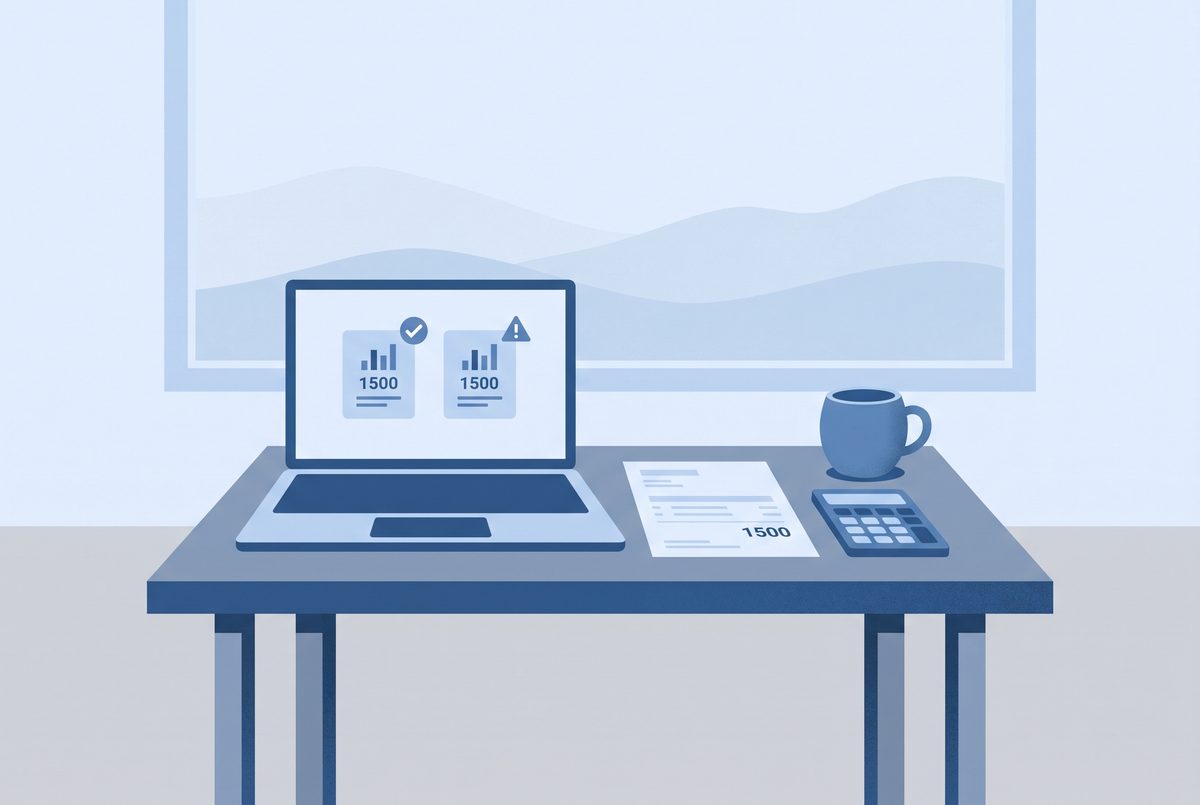
Yes. A bank reconciliation checks cash: did the amount the books say left the account match what the bank says left it, statement by statement. A payment matched to the wrong bill passes that test, because the amount and the date are both right. The mistake is in which bill the payment closed, and that lives in your payables, not in the bank balance.
| Problem | Bank reconciliation | Review of open bills |
|---|---|---|
| A bank charge left out of the books | Shows up as a difference | Not its job |
| A cleared payment missing from the books | Shows up as a difference | May show the bill as still open |
| A payment matched to the wrong bill for the same amount | Balances, so no warning | Shows the bill you paid as still open |
| A bill paid twice, both payments recorded | Balances if both payments cleared | Vendor statements may show the overpayment |
| What a clean result confirms | The account agrees with its statement | Open bills agree with what you owe |
How does a payment end up on the wrong bill?
Through the bank feed. Bookkeeping software like QuickBooks Online pulls your bank transactions in and suggests matches against records you've already entered. In QuickBooks Online, Intuit's help page says it suggests matches for transactions with the same amount within 90 days before to 20 days after the transaction date.
That window is wide. A business that pays the same vendor the same amount every month, or two vendors who happen to bill the same figure, can have more than one open bill that fits. The software offers one, the owner clicks to accept, and the payment closes that bill. The same Intuit page says that matching a transaction to a bill marks it as paid, and tells users to verify that the payment was actually sent before completing the match.
Why doesn't the bank reconciliation catch it?
Because nothing is wrong with the cash. IRS Publication 583 says to reconcile your checking account each month, so that the statement, your checkbook and your books agree, and it lists reasons they may not agree: bank charges you never entered, deposits made after the statement date and checks that haven't cleared.
A wrong-bill match isn't on that list, because it doesn't change the balance. The payment left the account, the books show it leaving for the same amount on the same day, and the reconciliation closes. Reconciling still matters. It just answers a narrower question than whether your bills are right.
How do you spot a payment matched to the wrong bill?
Look at the payables side on its own. Two signs to look for. An old bill still shows as open, but you know you paid it. Or a vendor's statement shows a balance that doesn't agree with your own list of open bills for that vendor. Compare invoice numbers, not just totals, because two bills for the same amount can be swapped while the vendor's balance still agrees.
When you find one, compare the payment with the bill it closed: the vendor, the invoice number and the date. If they don't line up, treat it as a reason to check, not as proof. Confirm which invoice the vendor credited, using the remittance, the payment confirmation or the vendor's payment history, before you change the match. Keeping bills in one list with their due dates makes this quicker, which is what the guide on keeping track of vendor bills covers.
How do you fix a wrong match?
It depends on whether that transaction has been reconciled. Intuit's page on unmatching downloaded bank transactions says that if you matched a transaction with the wrong record, you can disconnect them so the transaction goes back to the Pending tab, where you can find the correct match.
If the transaction has already been reconciled, the same page says to get professional advice before changing it, because the change can have a big impact on your accounts. Review the oldest wrong match first and add a note to each fix saying what was corrected, so the next reconciliation and the next vendor statement both line up.
Where does a Sandy license renewal fit in?
Sandy's business license renewal page puts commercial renewals on January 1 and home occupation renewals on April 1. Eligible licenses can be renewed online, and you can also renew in person at City Hall or by mail.
A renewal comes round every year, so an older renewal bill can still be sitting open in the books. When you apply the payment by hand rather than accepting a suggested match, check it against the renewal notice and the itemized receipt, and apply it to the charges and periods it actually covered. Sandy's page tells you to screenshot or save the payment confirmation, and the online portal lets you download a PDF report of the payment. Keep both with the books so the payment can be tied to the right bill.
Is a monthly reconciliation still worth doing?
Yes. It catches the problems that change the balance, like a missed bank charge or a cleared payment that never made it into the books, and it's the step IRS Publication 583 asks for each month. It just isn't the whole check. A business that pays bills through the bank feed needs both: the reconciliation for cash, and a look at open bills against vendor statements for payables.
If months have gone by with matches accepted and nothing checked, review them oldest first. Months that were recorded but never checked are what bookkeeping cleanup is for. Months that were never done at all are catch-up bookkeeping. If the old months are too tangled to fix one by one, there's a separate guide on whether to clean up the old books or start a fresh file.
Bank balanced, bills don't add up?
Book a free call with Cara. Inkdrop quotes once it's clear how many accounts and transactions are involved.
How does Inkdrop handle this for Sandy owners?
Inkdrop Bookkeeping is based in West Jordan and is available to owners anywhere in Utah, remotely by phone and email. Bank and credit card reconciliation checks the entries in your books against each statement, and accounts payable and receivable covers the bills side. You can read more about Inkdrop.
There's more on bookkeeping for Sandy businesses on our Sandy page. To talk through your own accounts, call (801) 448-3672 or use the contact form.